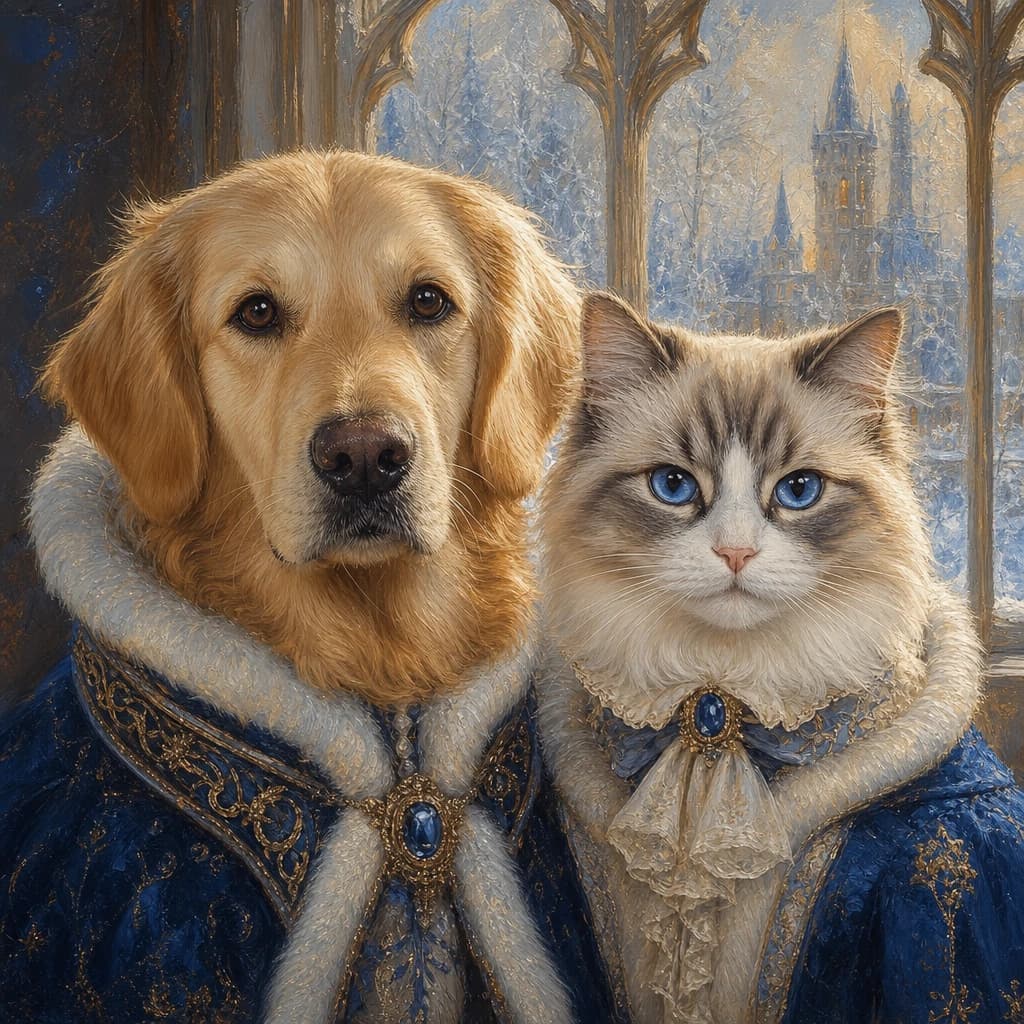
Personalized gift page

Multiple Pets Portrait From Photos

Turn a favorite photo of multiple pets into this personalized oil portrait idea. Compare artwork directions and preview the finished result before ordering.

Custom Oil PortraitsMultiple Pets
Multiple Pets Portrait From Photos

Gift direction

Start with the subjects and choose the exact template artwork.

Multiple Pets

Two or more pets together.

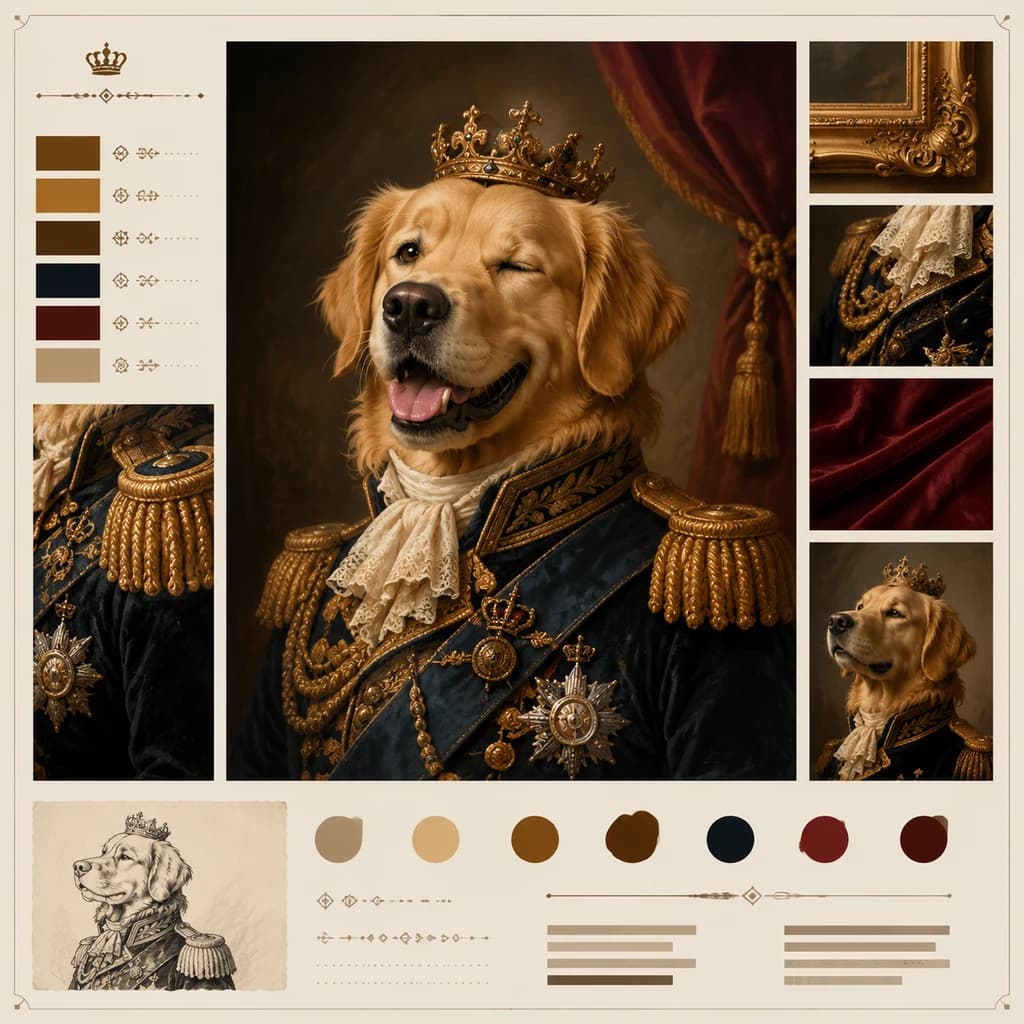
Regal Pet Portrait

Regal Pet Portrait

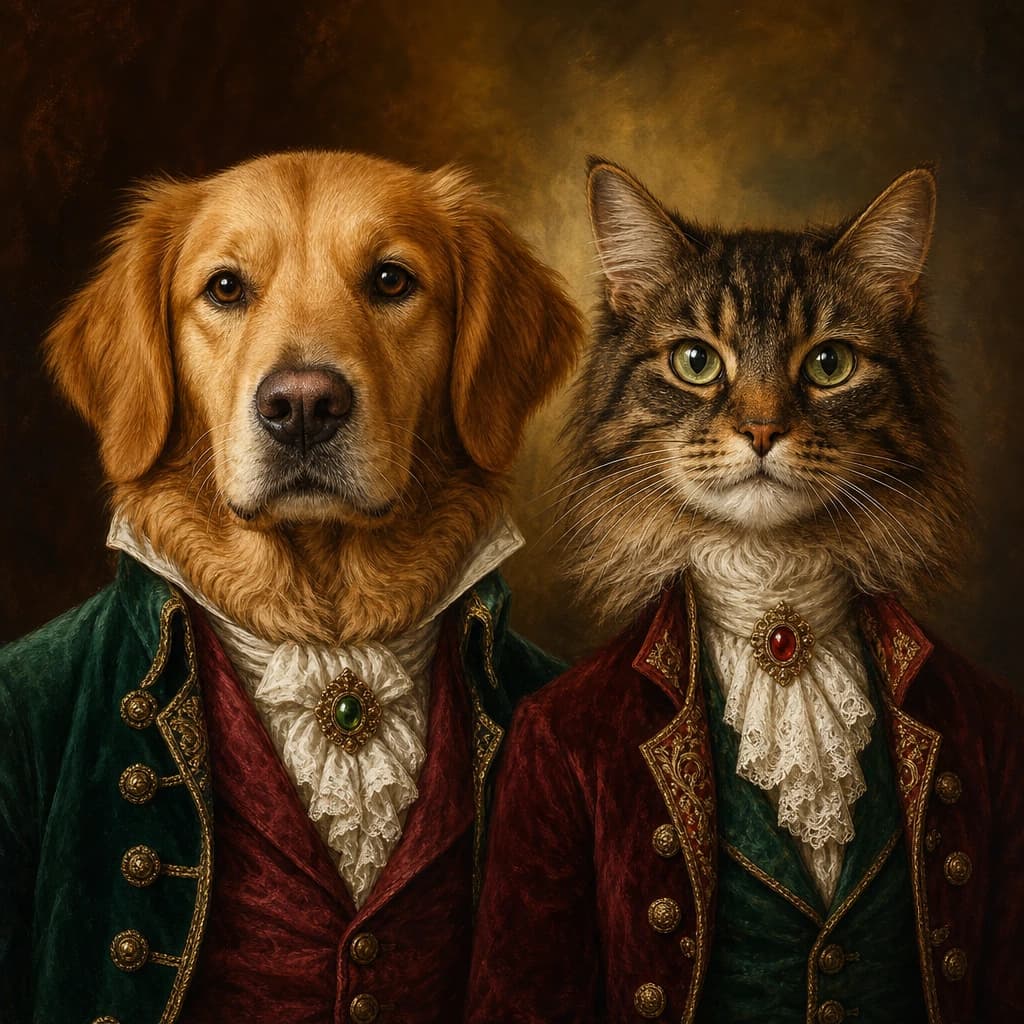
Royal Dog Duo

Royal Dog Duo

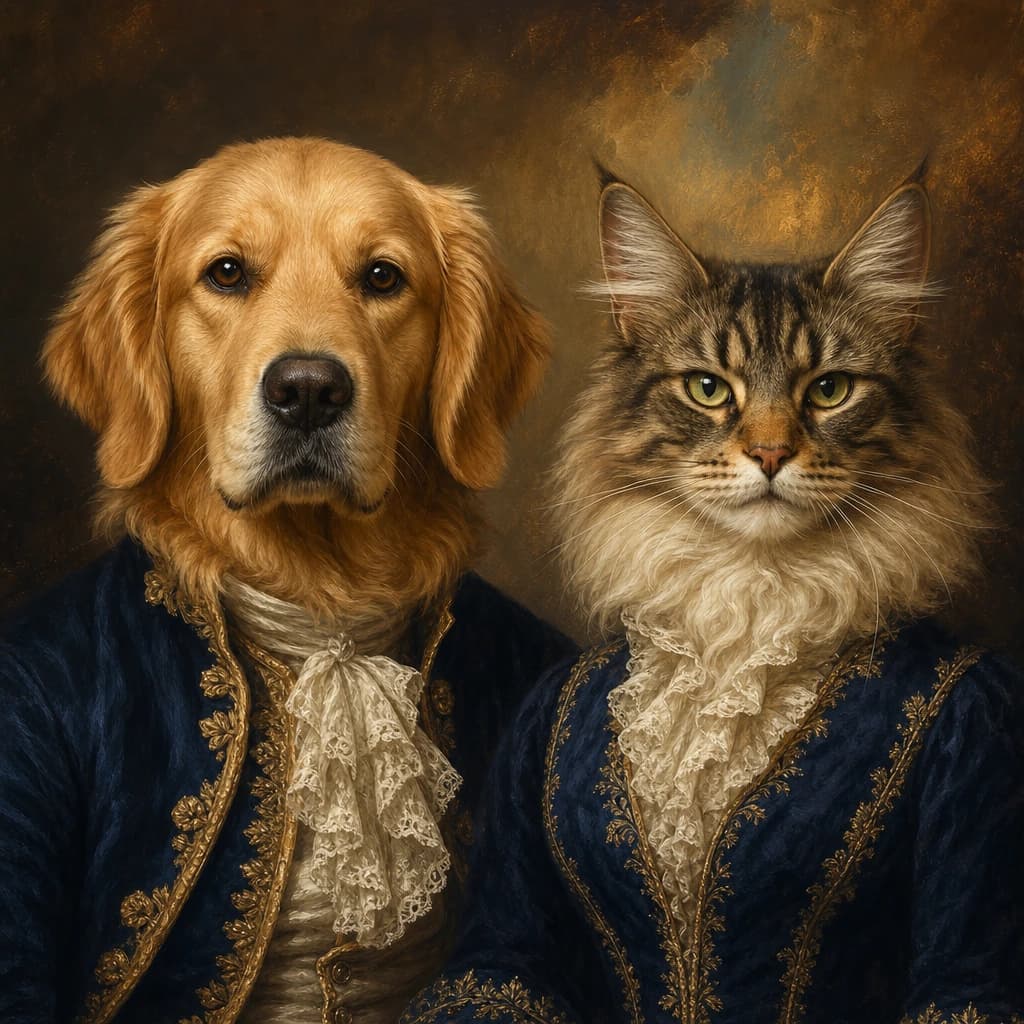
Cat and Dog Court Duo

Cat and Dog Court Duo

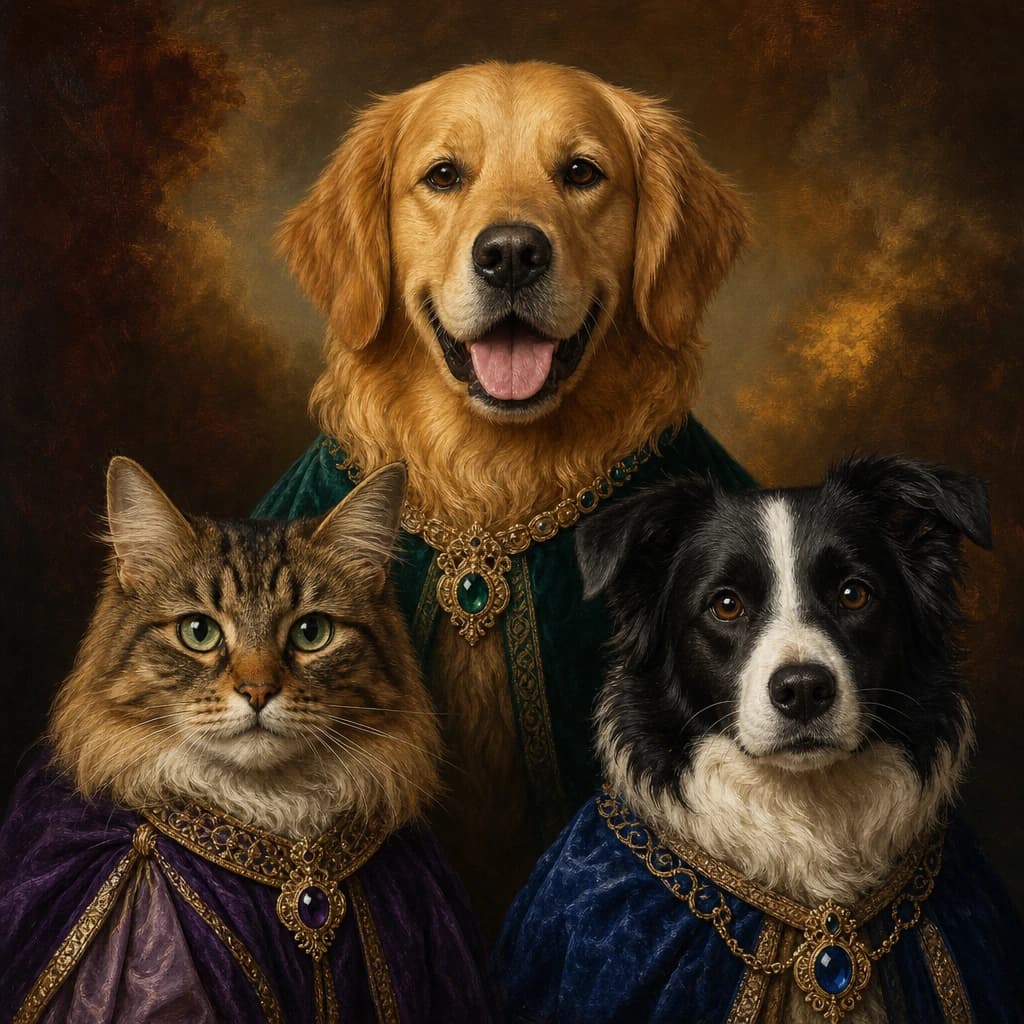
Three-Pet Royal House

Three-Pet Royal House

Winter Palace Pet Duo

Winter Palace Pet Duo

01 · Made for this idea

How to make multiple pets portrait from photos feel personal

This page is designed for shoppers who want to celebrate the expression and small details pet owners recognize immediately. The starting point is your own photo, not a generic ready-made graphic.

Eye contact, ear shape, coat markings, and a clean outline matter more than a complicated background. That is why the preview step matters before the design reaches production.
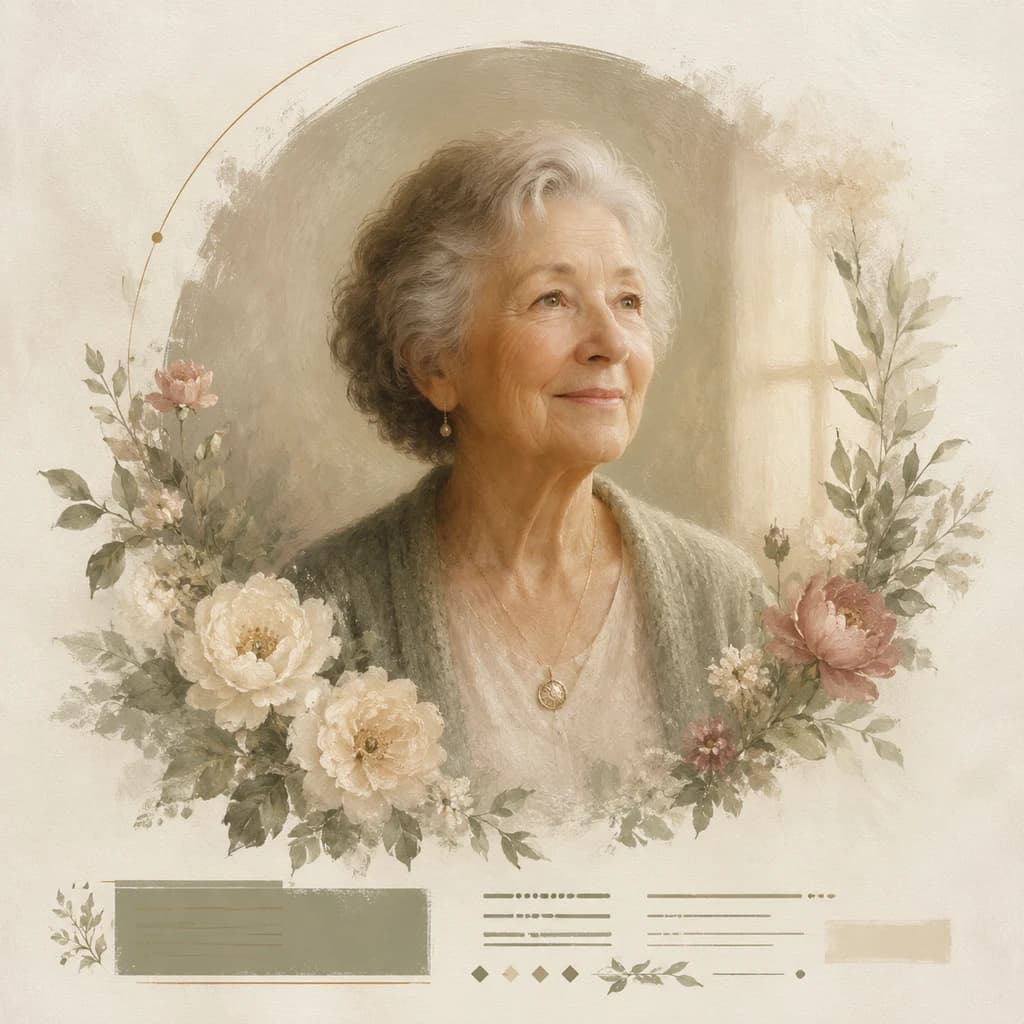
02 · Photo checklist

Choose a photo that works for multiple pets

Use a photo taken near eye level with both ears, the full head, and natural coat color visible.

For multiple pets, choose photos taken from similar heights and lighting so no animal looks visually disconnected.

  • Use the original photo file whenever possible.
  • Keep faces, ears, hair, and meaningful objects inside the crop.
  • Check spelling, names, dates, and short captions in the preview.

03 · Preview before purchase

Refine the artwork for the finished oil portrait

Choose a playful treatment for an everyday gift or a quieter painted treatment for a keepsake.

Once the artwork feels right, choose the canvas size and frame finish for the wall where it will live. The saved design is carried into the cart so the approved composition can be prepared for production.

How it works

From photo to product.

01

Choose the gift idea that feels closest to your person.

02

Upload a clear photo on the product customizer.

03

Preview the design, then checkout with the custom details saved for production.

Related ideas

Explore another personalized direction.

View all custom oil portraits

FAQ

How does multiple pets portrait from photos work?

Upload a clear photo, choose an artwork direction, generate a preview, and adjust the composition. Then choose the canvas size and frame finish for the wall where it will live.

What photo works best for a multiple pets portrait from photos?

Use a photo taken near eye level with both ears, the full head, and natural coat color visible.

Can I preview my oil portrait before ordering?

Yes. Review the personalized artwork and its placement on the selected oil portrait before adding it to the cart.

Can I use more than one photo for this oil portrait?

Yes, when the selected template supports multiple subjects. Use photos with similar lighting and clear faces so the final composition feels consistent.