


Personalized gift page

Personalized Photo Shirt

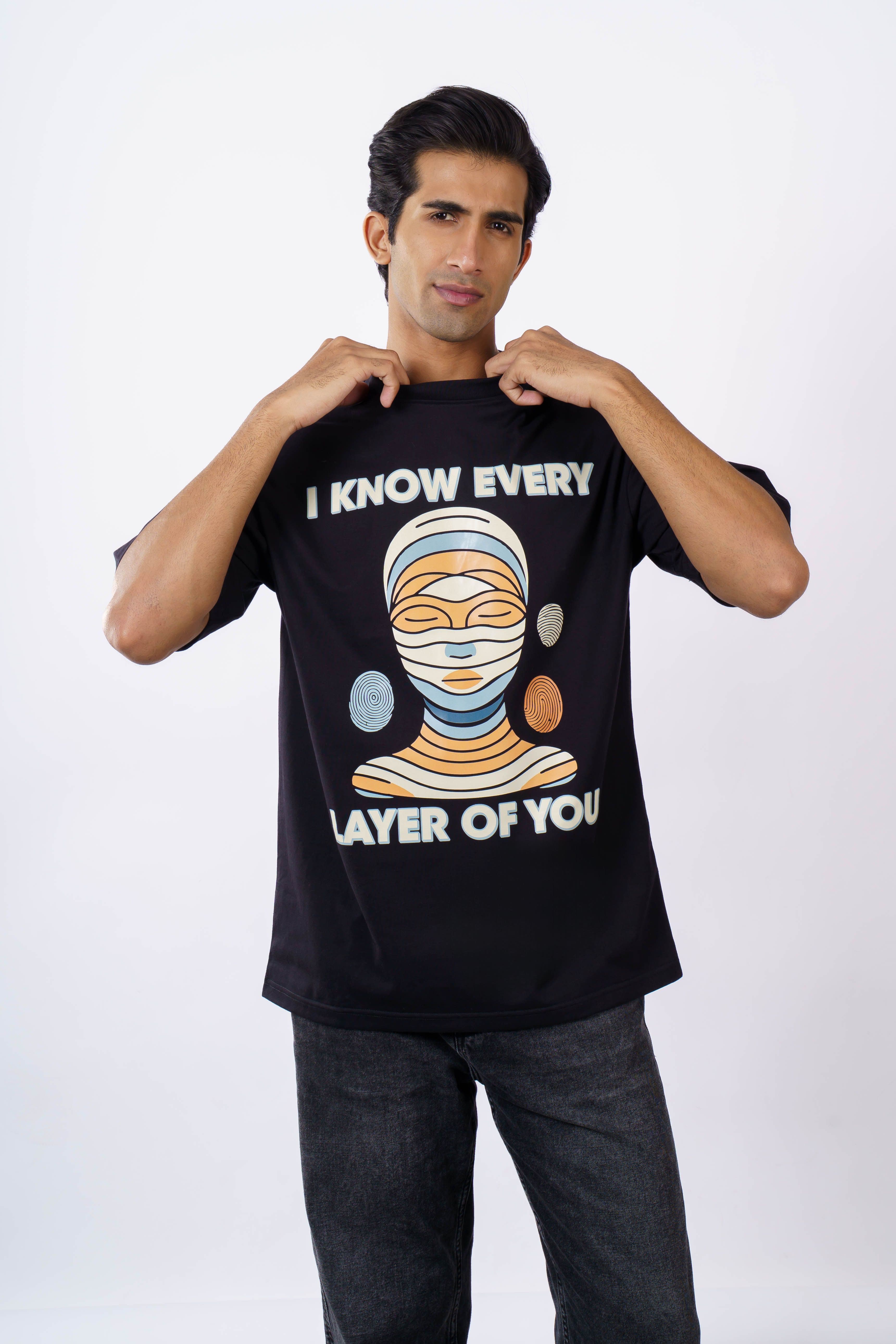
Turn a favorite photo of your subject into this personalized T-shirt idea. Compare artwork directions and preview the finished result before ordering.

Custom T-Shirts
Personalized Photo Shirt

Gift direction

Start with the subjects and choose the exact template artwork.

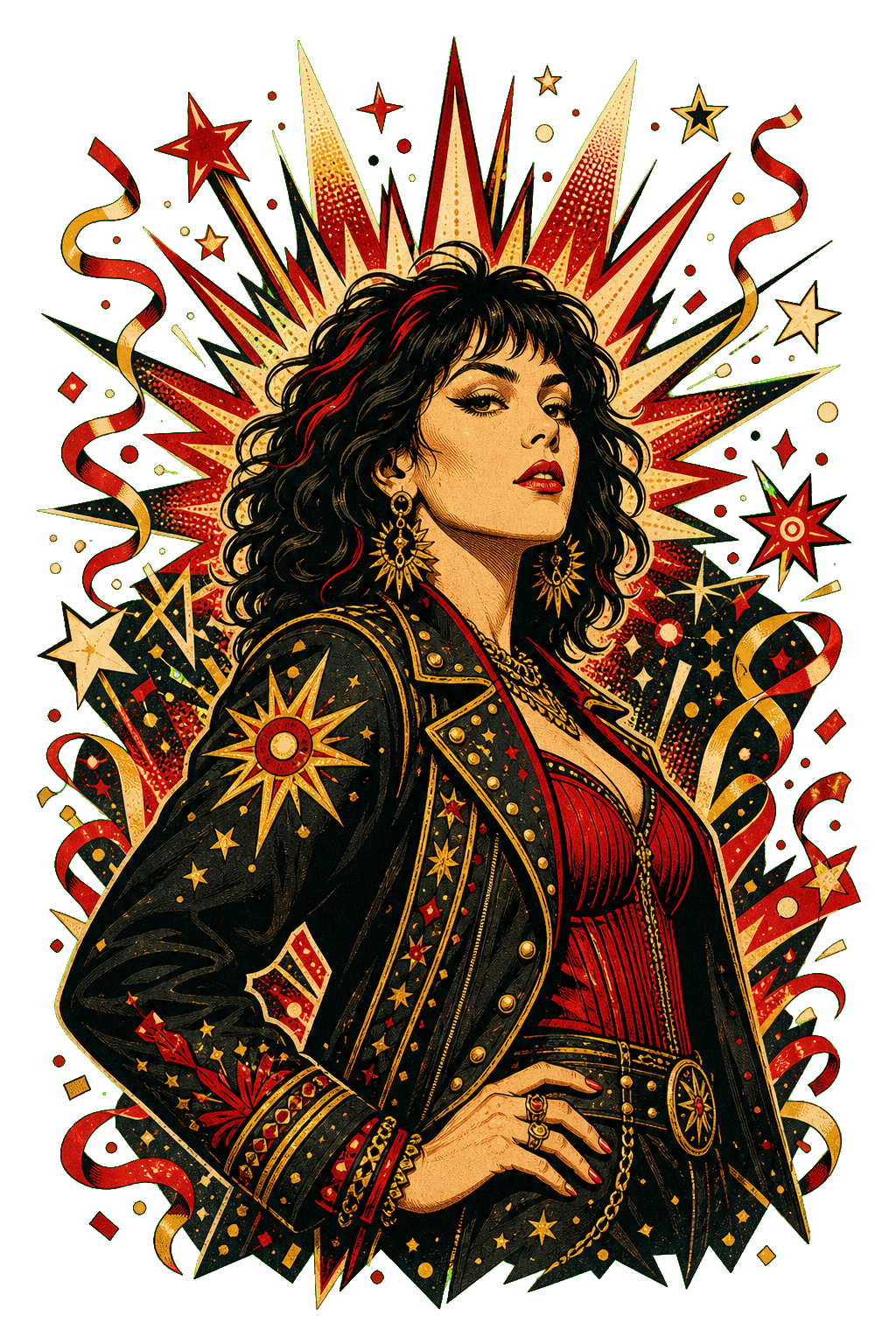
Birthday Star Portrait

Birthday Star Portrait

BBQ Legend Badge

BBQ Legend Badge

Couple Sunset Postcard

Couple Sunset Postcard

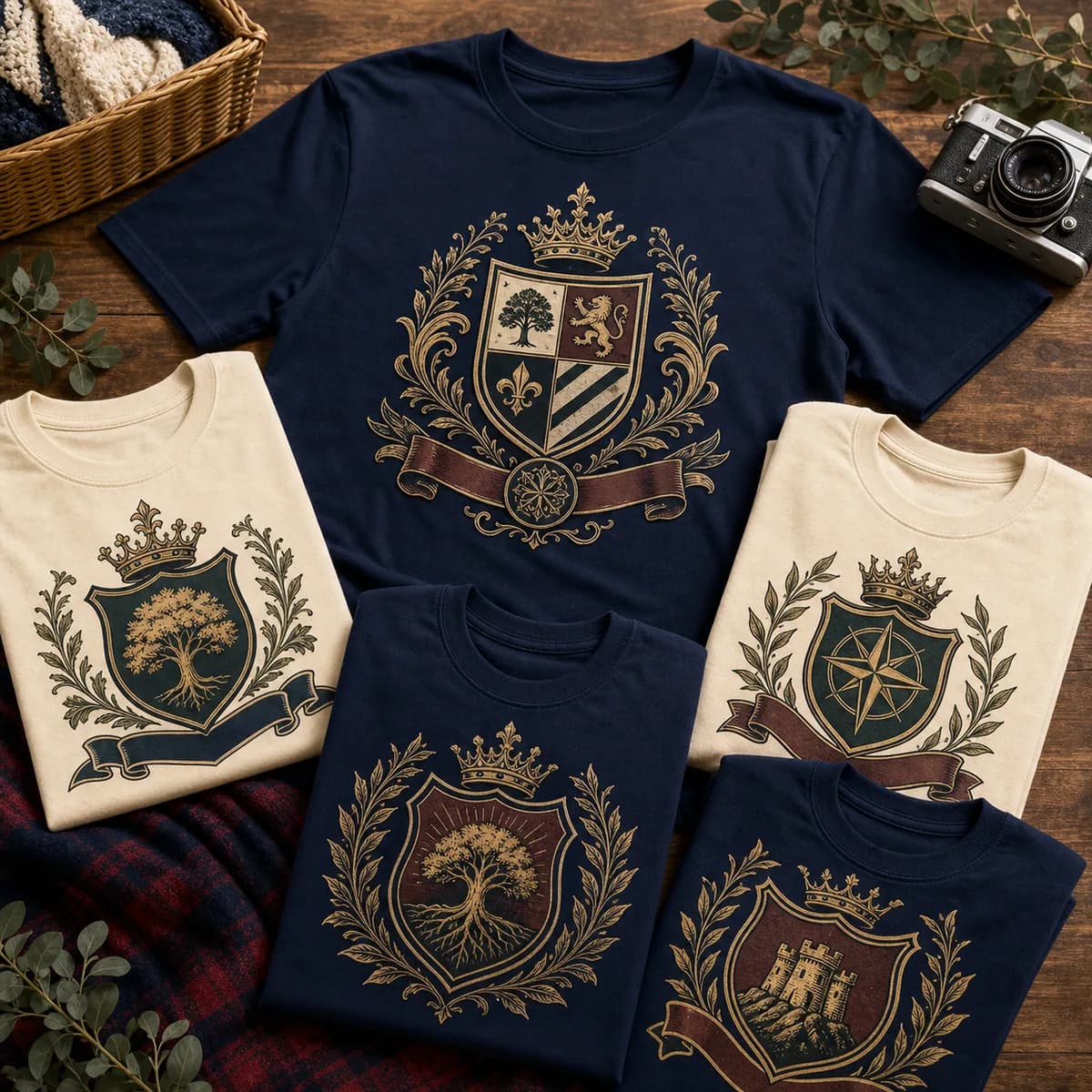
Family Heritage Crest

Family Heritage Crest

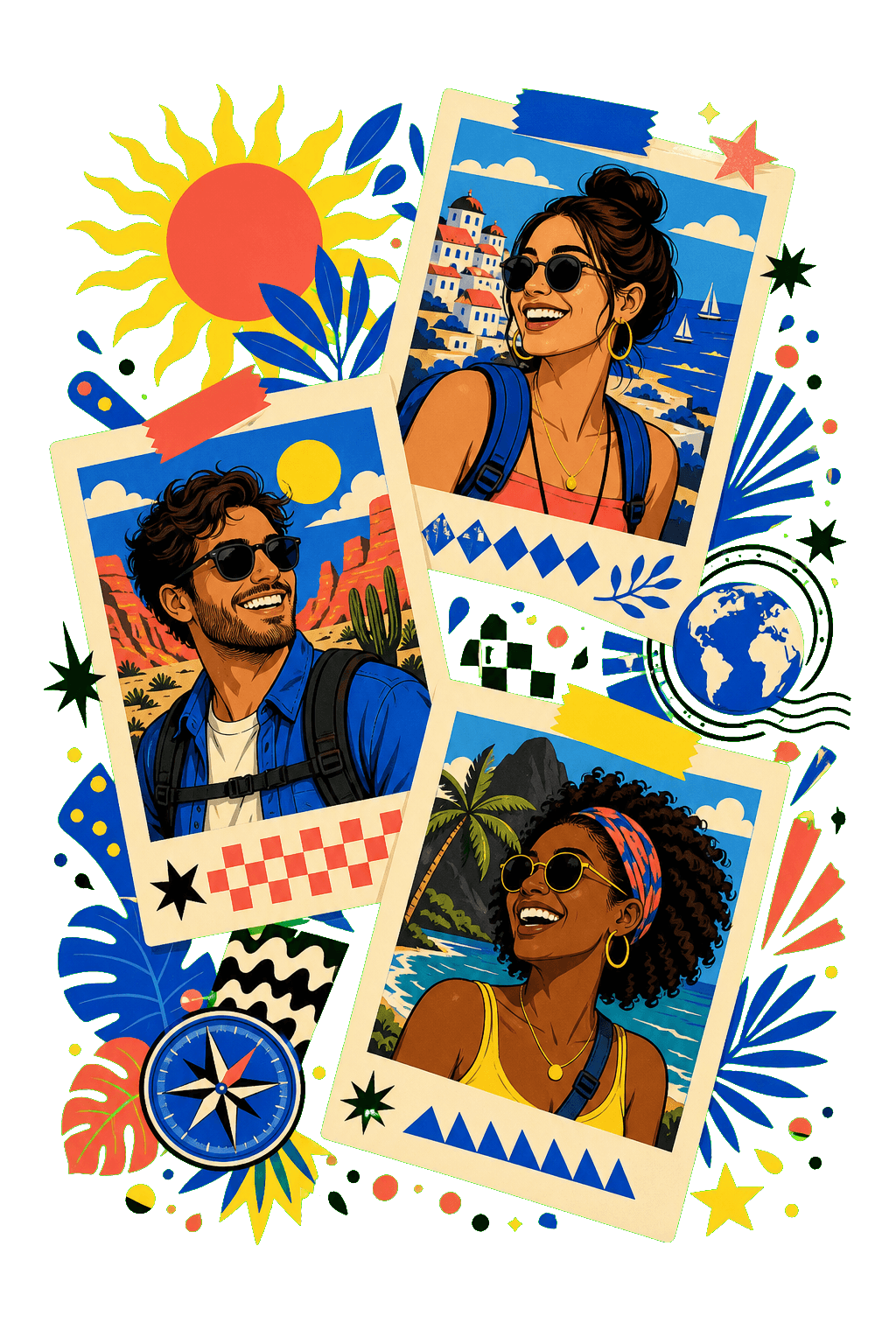
Friends Tour Collage

Friends Tour Collage

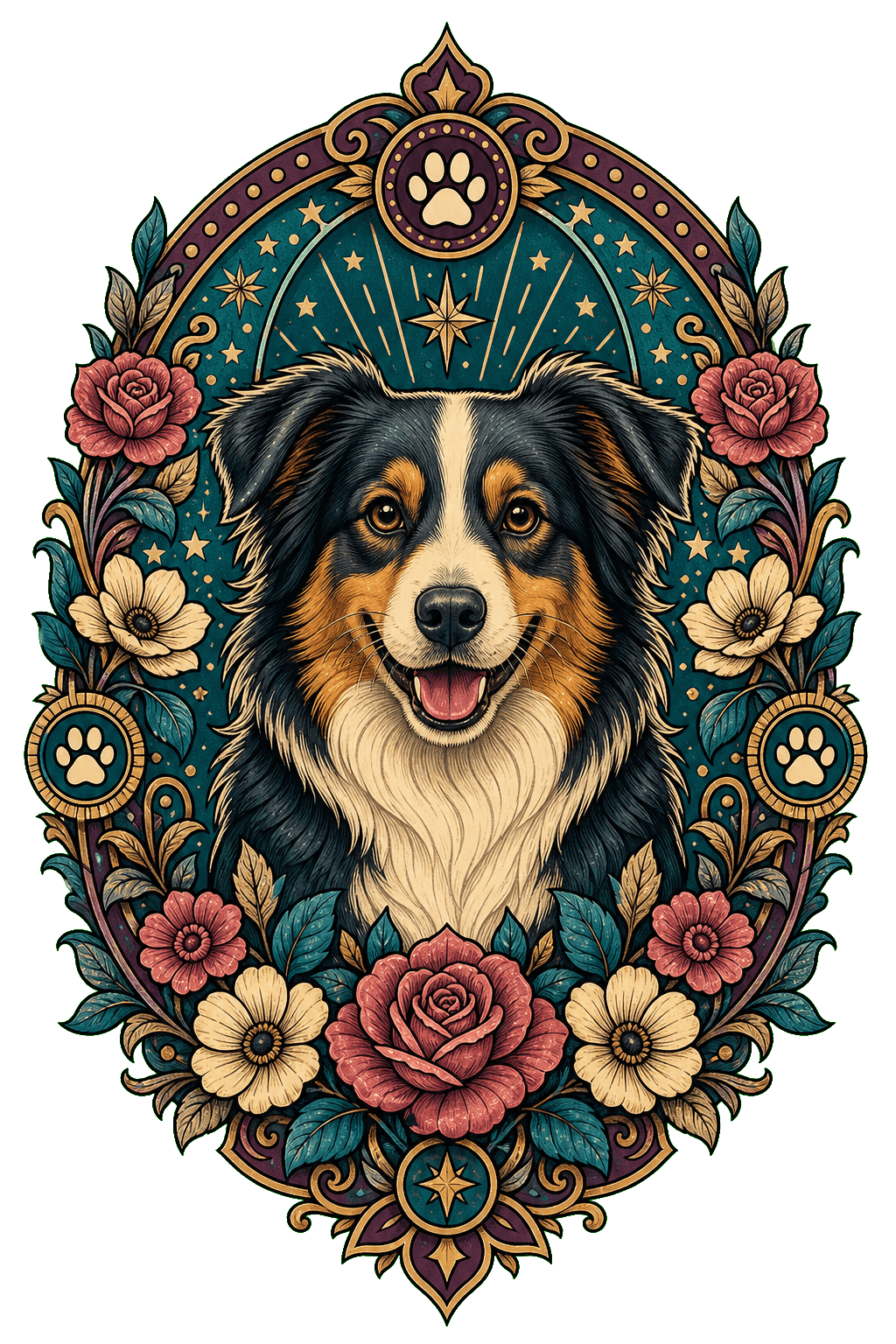
Pet Floral Medallion

Pet Floral Medallion

01 · Made for this idea

How to make personalized photo shirt feel personal

This page is designed for shoppers who want to turn a recognizable everyday photo into artwork that still feels unmistakably personal. The starting point is your own photo, not a generic ready-made graphic.

A clear face, an intentional crop, and readable contrast make the finished design feel made rather than pasted on. That is why the preview step matters before the design reaches production.
02 · Photo checklist

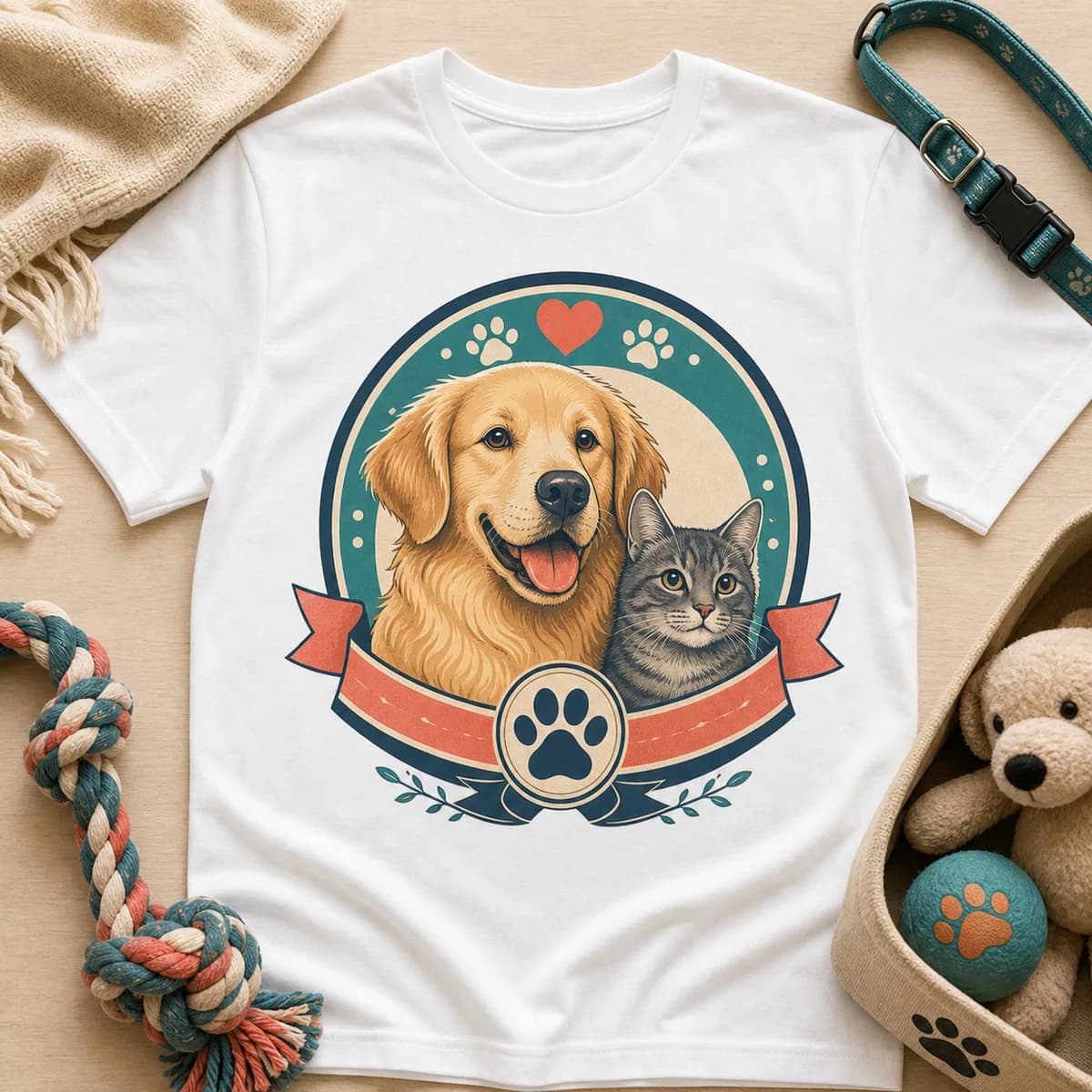
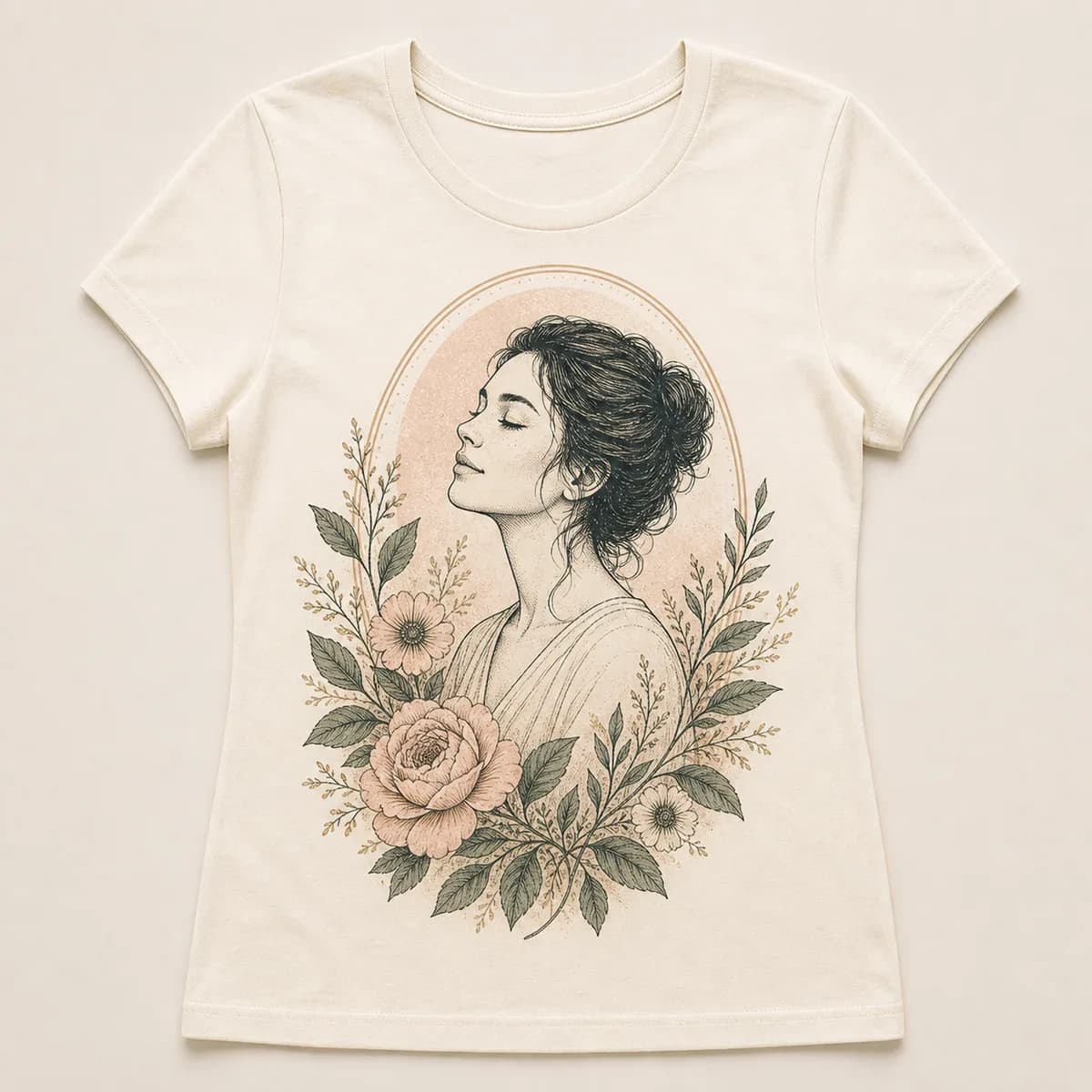
Choose a photo that works for your subject

Start with a sharp, well-lit original where the face is not covered and the important details are inside the frame.

Choose the source photo for recognizable detail first, then use the preview to decide crop, scale, color, and wording.

  • Use the original photo file whenever possible.
  • Keep faces, ears, hair, and meaningful objects inside the crop.
  • Check spelling, names, dates, and short captions in the preview.

03 · Preview before purchase

Refine the artwork for the finished T-shirt

Compare a close portrait with one wider crop before deciding which version has the strongest silhouette.

Once the artwork feels right, choose the shirt color, size, and print placement that fits the person wearing it. The saved design is carried into the cart so the approved composition can be prepared for production.

How it works

From photo to product.

01

Choose the gift idea that feels closest to your person.

02

Upload a clear photo on the product customizer.

03

Preview the design, then checkout with the custom details saved for production.

Related ideas

Explore another personalized direction.

View all custom t-shirts

FAQ

How does personalized photo shirt work?

Upload a clear photo, choose an artwork direction, generate a preview, and adjust the composition. Then choose the shirt color, size, and print placement that fits the person wearing it.

What photo works best for a personalized photo shirt?

Start with a sharp, well-lit original where the face is not covered and the important details are inside the frame.

Can I preview my T-shirt before ordering?

Yes. Review the personalized artwork and its placement on the selected T-shirt before adding it to the cart.

Can I use more than one photo for this T-shirt?

Yes, when the selected template supports multiple subjects. Use photos with similar lighting and clear faces so the final composition feels consistent.